Vertical · Fashion & Apparel
Pencil AI for Fashion: Ad Concepts That Match Your Aesthetic
Fashion brands lose weeks cycling through generic ad templates that never look like the lookbook. Pencil AI starts from your product photography and brand references, then generates concepts in your visual language—so the ads feel like the collection, not like a stock template.
Who this works for
Four fashion teams that profit from pencil ai
DTC brands scaling performance social
Social media managers at direct-to-consumer labels need fresh creative every week. Pencil AI generates on-brand ad variations from existing product shots, cutting the concept phase from days to minutes.
Lookbook teams testing campaign directions
Creative directors exploring a new season's visual identity can generate dozens of directions before committing to a photoshoot. The tool turns flat product images into styled scenes that hold the brand's color story.
Marketplace sellers refreshing listings
Sellers on marketplaces like Amazon or Etsy need consistent lifestyle imagery across hundreds of SKUs. Pencil AI produces clean, on-model or flat-lay concepts that keep the catalog visually coherent.
Creative agencies pitching fashion clients
Agencies use the tool to mock up campaign concepts in a client's visual style before the pitch meeting. It turns a moodboard into tangible ad layouts that look produced, not placeholder.
What that speed looks like in numbers
Faster concept-to-approval cycle reported by fashion teams using AI ad generators
Ad variations generated from a single product image in one session
More creative directions explored per campaign when the cost per concept drops to zero
Before & after
From product flat to campaign-ready concept
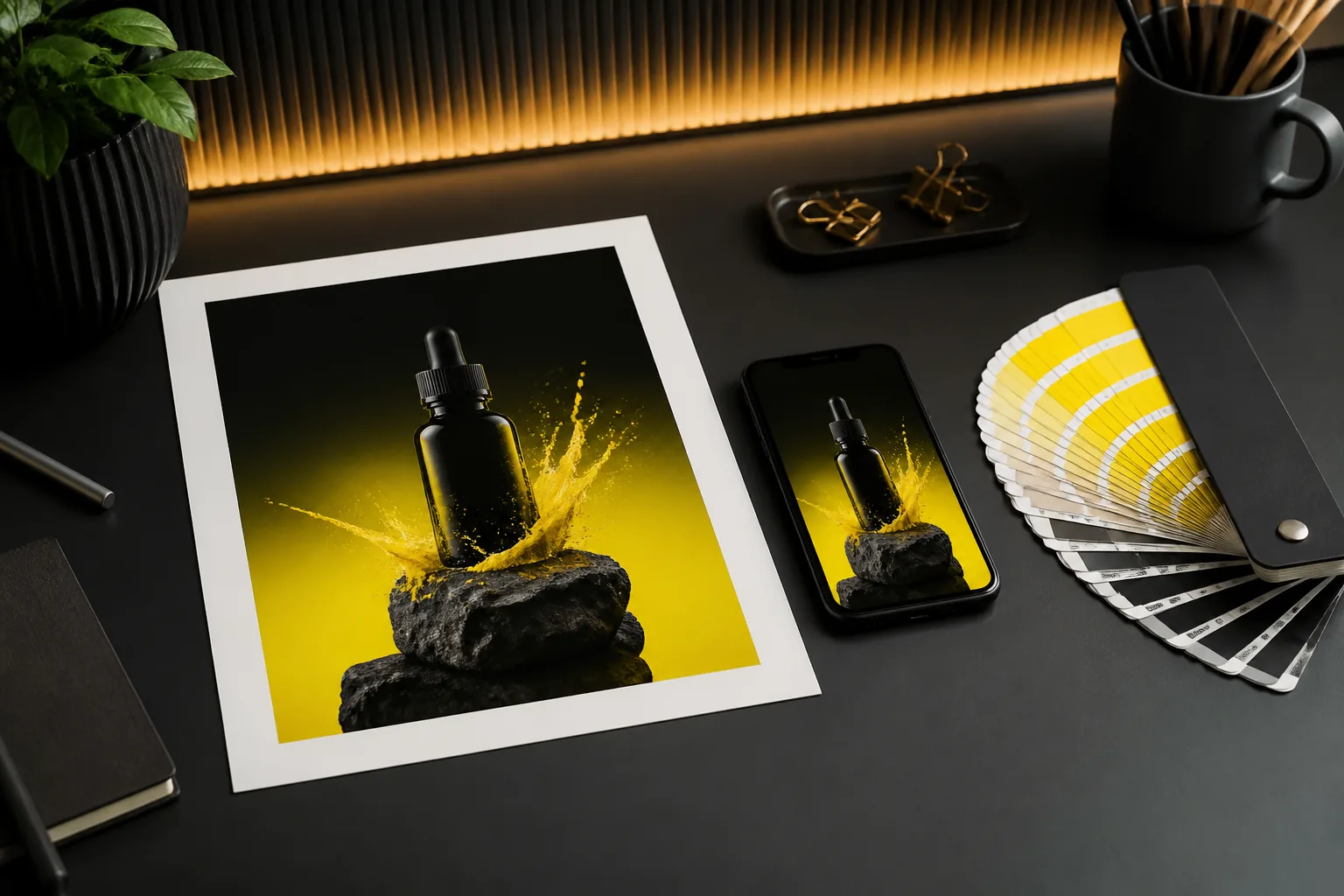
The generated concept keeps the product true to its source while placing it in a context that communicates the collection's mood. You approve the direction, not the finished ad.
Before you start
What you need to get usable fashion concepts
Product photography — required
Clear, well-lit images of the item on a plain background. The tool needs to read the garment's shape and fabric to place it in a new scene believably.
Brand references — required
Two or three images that define your visual language: campaign shots, a lookbook page, or a moodboard. These tell the generator which colors, lighting, and settings fit your brand.
Copy direction — optional
Headline or tone notes speed things up. Without them, the generator will suggest generic fashion copy like "New Season" or "Shop the Look" — fine for layout, weak for voice.
Three workflows
How fashion teams put pencil ai to work
Collection launch teasers
Upload three hero products from the upcoming drop. Add one campaign reference. Generate 12–15 concepts and pick the two or three that best carry the season's mood. Brief the photographer on those directions for the real shoot.
Evergreen catalog refresh
For staple items that never change, run a monthly batch through the generator. Rotate the lifestyle scenes so the same white tee appears in a studio shot, a street scene, and a coastal setting—keeping the feed fresh without a new shoot.
Marketplace A/B creative tests
Generate two distinct visual directions for a hero product, then run them as split tests on the platform you sell through. The winner becomes the primary image; the loser informs what your audience ignores.
Choosing your approach
When to use pencil ai vs. a full production
Use AI when…
You need speed and volume: weekly social creative, catalog refreshes, or testing a new visual direction before committing budget. The cost per concept is near zero, so you can explore aggressively.
Use a photoshoot when…
The campaign defines the brand for the season. Hero imagery, print ads, and the lookbook itself deserve a real photographer, real models, and real art direction. AI concepts can inform the brief but shouldn't replace the flagship shoot.
Use both when…
You have a hero shoot but need supporting creative for social, retargeting, and marketplace listings. Generate the supporting set from the hero images to keep everything visually consistent.
Honest limitations
What pencil ai can't do for fashion
True garment fidelity
Complex prints, logos, or textured fabrics may render imperfectly. The AI understands "denim jacket" but not your specific embroidery pattern.
Workaround: keep the product image prominent and crop the generated scene tightly around it.
Model representation
The generated models may not match your diversity requirements or body-positive standards. AI-generated people still carry bias and can't follow a casting brief.
Workaround: use generated scenes for backgrounds and composite your own model photography.
Legal clearance
No AI tool guarantees that a generated scene avoids trademarked elements, recognizable landmarks, or protected designs. The risk sits with the brand using the image.
Workaround: run generated concepts past legal before they go live.
Campaign strategy
The tool generates images, not positioning. It won't tell you your audience is shifting to sustainable materials or that your price point misses the market.
Workaround: pair the tool with your existing brand strategy process.
Fashion teams ask these
Can I use pencil ai for fashion products other than clothing?
Yes — accessories, footwear, bags, and jewelry respond well because they have clear shapes. The same three workflows apply: launch teasers, catalog refresh, and A/B testing. The main requirement is clean product photography.
Will the generated ads look like they came from a template?
Not with good brand references. The generator pulls color palettes, lighting, and scene types from the reference images you supply. If you feed it a moody street-style campaign, you get moody street-style concepts — not a generic studio flash look.
How do I make the AI understand my brand's aesthetic?
Give it two or three images that represent the brand's visual poles. A luxury label might provide one editorial campaign shot and one lookbook page. An athleisure brand might provide one action shot and one pack shot. The more consistent the references, the more consistent the output.
Is pencil ai a replacement for my photographer?
No. The strength is concept exploration and volume. For a photo shoot that costs tens of thousands, you still want a professional behind the camera. Use the AI to test directions cheaply, then hand the winning concepts to your photographer as the brief.