Social Media Ad Creative
Pencil AI for Social Media Ads That Perform
Social media teams face relentless demand for fresh creative. Pencil AI generates on-brand ad variations in seconds, so you can test more, learn faster, and scale what works—without expanding your design team.

What this scenario must deliver
| Requirement | Why it matters | Pencil AI delivers |
|---|---|---|
| Speed | Trends move in days, not weeks | First draft in under 30 seconds |
| Volume | Every placement needs its own size | Stories, Reels, feed, and carousel in one go |
| Brand consistency | Followers recognize you instantly | Logo, palette, and voice locked in |
| Performance data | Creative is the biggest lever you control | Predictions before you spend a cent |
How different teams use Pencil AI
Four common scenarios where Pencil AI removes the bottleneck between a social media idea and a published ad.
Performance Marketer
Needs 20 new Facebook sizes weekly. Generates a full set from one winning concept, cuts production time from 8 hours to 45 minutes.
pencil ai for ecommerce teams use the same workflow to scale product ads.
Social Media Manager
Juggles Instagram, TikTok, and LinkedIn. Produces platform-native verticals and carousels without reshooting or redesigning.
Brand Designer
Owns the visual system. Reviews AI drafts, picks the strong ones, and spends saved time on campaign strategy instead of resizing.
Content Marketer
Turns blog posts and product updates into social snippets. Repurposes long-form assets into Stories and feed ads in minutes.
Pair it with pencil ai for content marketing to cover the full funnel.
Before & After
What a difference one pass makes
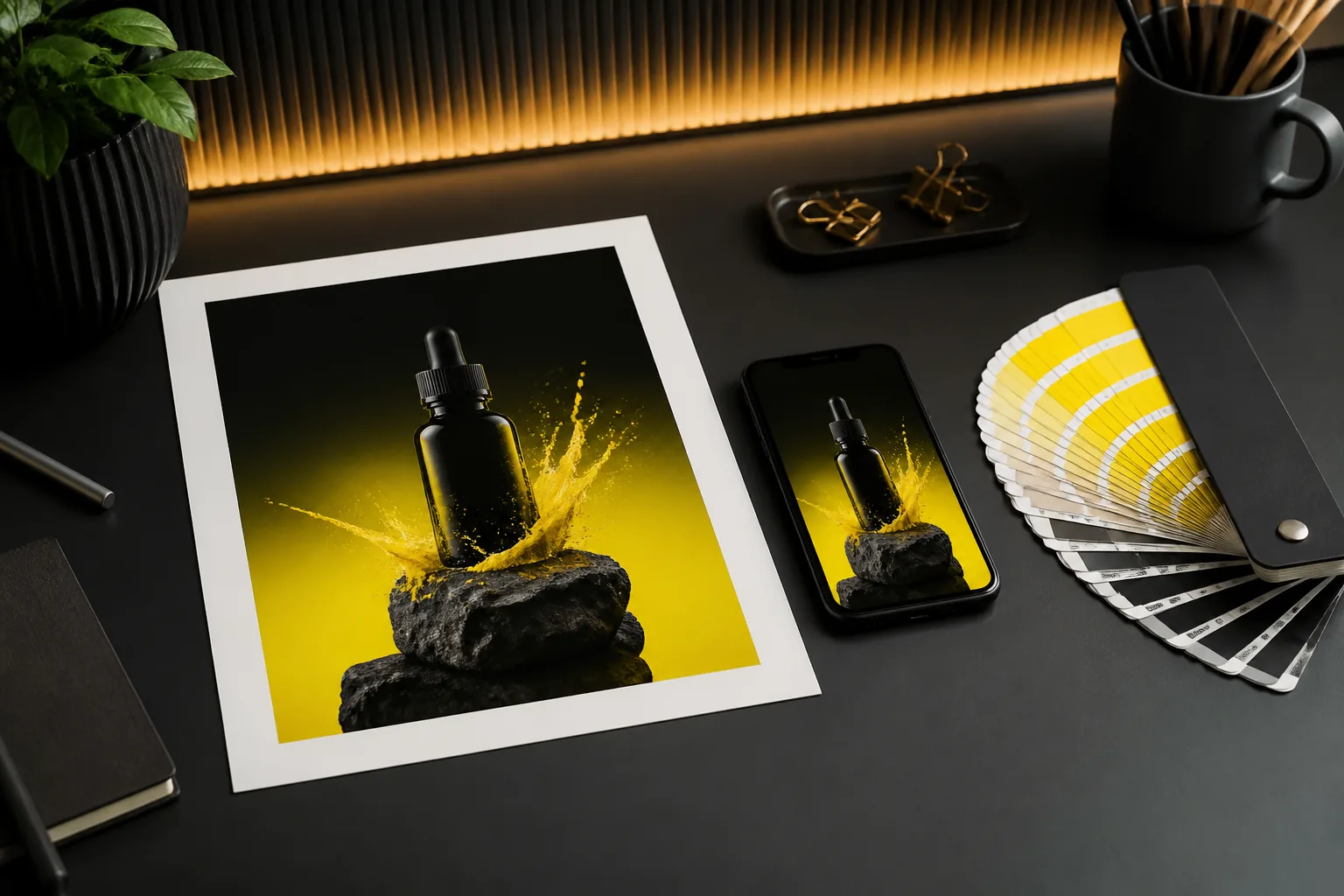
The first version stops the scroll; the second makes people stop and tap. Pencil AI generates both so you can test which story performs.
Quality bar for social media creative
Hierarchy in 3 seconds
The eye must find the product, then the offer, then the logo. AI layouts respect that order by default.
Relevant motion
Subtle animation lifts CTR without feeling gimmicky. Pencil AI adds motion naturally, not as a distracting effect.
Placement-native ratios
Stories are 9:16, feed is 1:1, and carousels behave differently again. Each variation is built for where it appears.
Time savers
Common rework — and how to avoid it
Wrong dimensions
Most rework comes from resizing a feed ad for Stories and ending up with awkward crops. Generate each size fresh instead of scaling one design.
Text overflowing
Platforms truncate long headlines. Pencil AI keeps copy concise per placement, so your message survives the cut.
Brand drift
Off-brand colors creep in when designers improvise. Lock your brand kit once and every variation stays on system.
What does a month of social ads cost you?
Hours saved per month vs. manual design
Monthly design cost avoided
Test-ready variations generated
Based on 45 minutes per manual creative and a $45/hour blended design rate.
Scenario FAQ
Can Pencil AI really replace a social media designer?
It replaces the repetitive production work—resizing, versioning, and basic layout—not the creative direction. Designers who use it report spending more time on strategy and less on mechanical tasks.
How does Pencil AI know what performs well on social?
It analyzes patterns from thousands of ad creatives and their engagement outcomes. It applies those learnings to your brief, predicting performance before you spend on placement.
What if the AI generates something off-brand?
Your brand kit—logo, colors, fonts, and voice—is applied to every generation. If a variation drifts, you can edit it inline or regenerate with tighter constraints. Nothing publishes without your review.
Which social platforms does Pencil AI cover?
Meta (Facebook and Instagram), TikTok, LinkedIn, and Google Display are the primary outputs. Each gets the correct aspect ratio, safe zones, and text limits for that network.